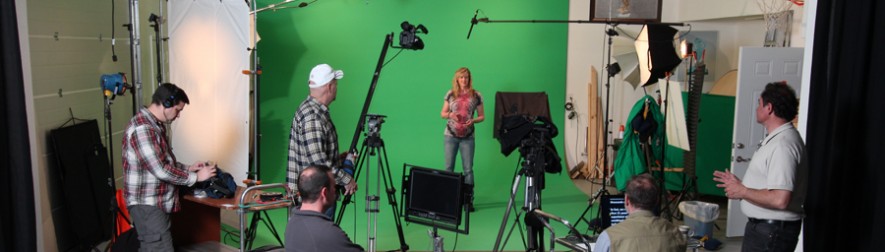
Incorporating B-roll into interview footage is an essential skill for creating engaging and visually dynamic video content. When executed properly, B-roll enhances storytelling, maintains audience interest, and provides seamless transitions between key points in an interview. However, poorly edited B-roll can feel disjointed, distracting, or even reduce the impact of the message. Here’s a strategic approach to editing B-roll for a smooth interview flow.
1. Understand the Narrative
Before you begin editing, identify the key takeaways from the interview. Understanding the main message will help you choose B-roll that reinforces the story rather than just filling space. Ask yourself:
- What is the core message of the interview?
- Are there visual elements that complement the subject’s statements?
- How can B-roll enhance the emotional impact of the interview?
2. Match B-Roll to Dialogue
For a seamless transition, your B-roll should directly relate to the spoken content. If an interviewee discusses a product, a process, or an event, your B-roll should visually represent that. Select footage that naturally connects to the speaker’s words, ensuring relevance and coherence.
For example:
- If the interview is about company culture, include shots of employees collaborating.
- If discussing a product launch, use footage of the product in action.
- If talking about a significant achievement, show relevant milestone visuals.
3. Use Natural Cutaways to Enhance Engagement
Cutaways are essential for making interviews feel more natural and less like a static talking-head shot. Well-placed B-roll can:
- Hide jump cuts when an interviewee stumbles or needs to be edited down.
- Smooth transitions between different topics or segments.
- Create a more immersive experience by visually supporting key points.
4. Timing and Pacing of B-Roll
A common mistake in editing is cutting to B-roll too soon or letting it linger too long. Here are key timing strategies:
- Sync to key phrases: Introduce B-roll as the interviewee mentions relevant topics.
- Avoid overuse: Don’t overshadow the interview with excessive B-roll—let the words remain the focus.
- Match pacing: If the interview has an energetic tone, use quick-cut B-roll. For a more relaxed discussion, longer and smoother transitions work better.





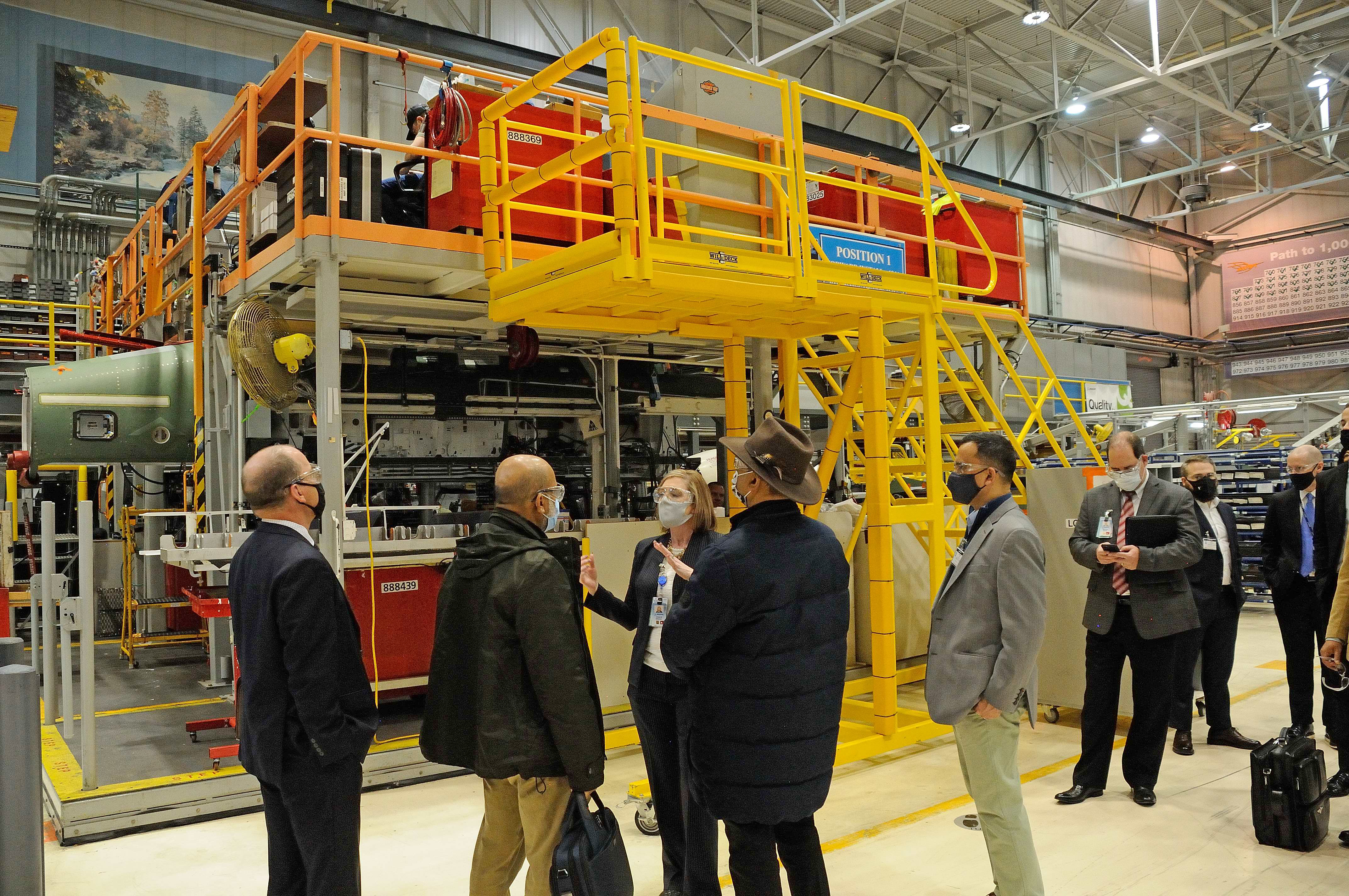
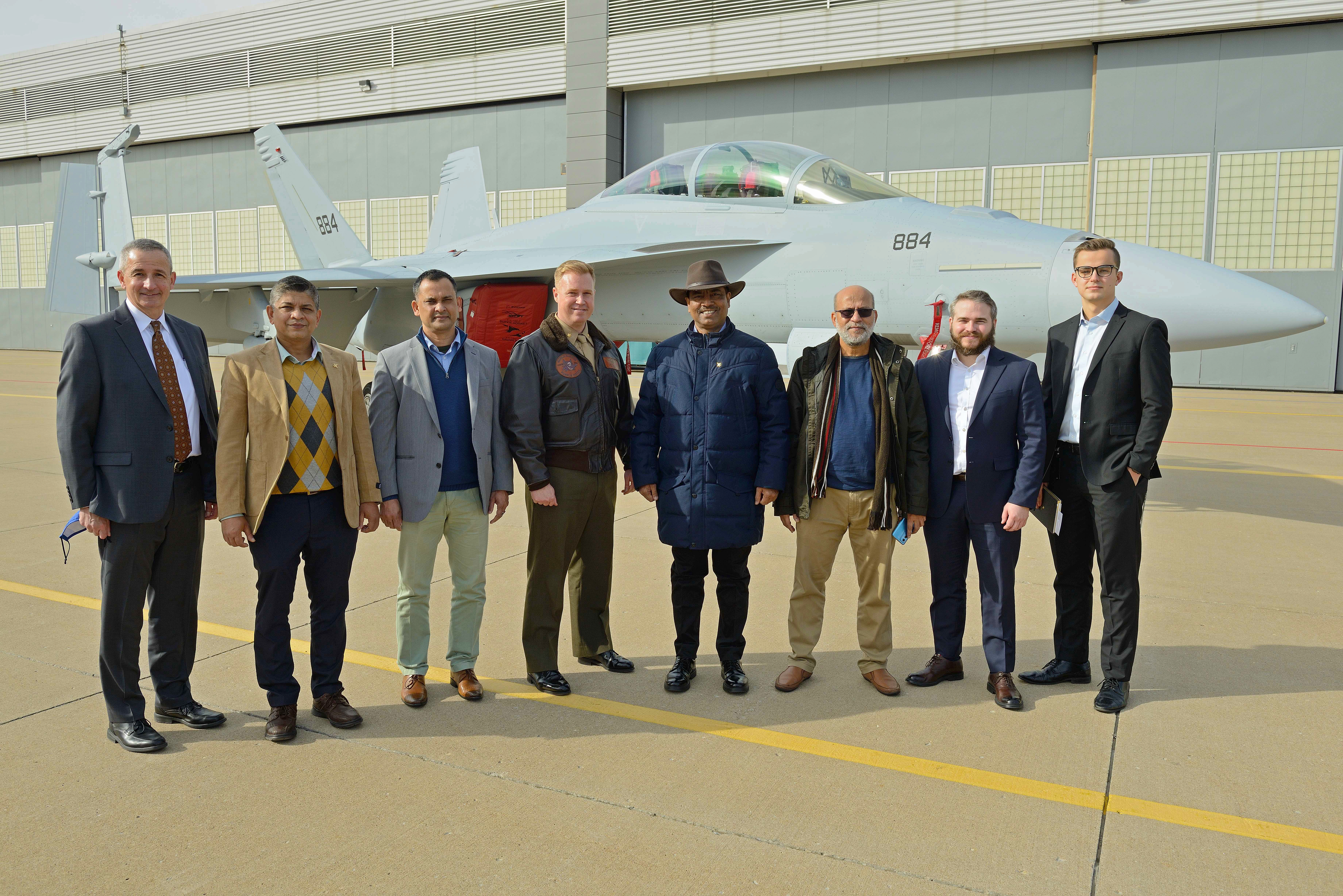
5. Maintain Visual Consistency
To ensure a professional-looking final product, keep your B-roll stylistically consistent with the main interview footage. Consider:
- Color grading: Ensure B-roll and interview footage have a uniform color scheme.
- Lighting: Match lighting tones between B-roll and interview clips.
- Framing and composition: Maintain a visual balance between interview shots and supplementary footage.
6. Leverage Motion to Maintain Engagement
To add cinematic quality, use subtle motion elements in B-roll, such as:
- Slow-motion footage for dramatic emphasis.
- Zoom-in or zoom-out effects to direct focus.
- Panning shots to establish context.
Avoid abrupt or unnecessary movements that could be jarring to the viewer. Smooth motion transitions help maintain a cohesive visual narrative.
7. Use B-Roll to Bridge Gaps and Create Seamless Edits
There may be times when you need to edit out a portion of the interview. B-roll is the perfect tool to cover those cuts while keeping the audience engaged. If a response is cut for brevity or clarity, use relevant B-roll to fill the gap so the flow remains uninterrupted.
8. Consider Audio Overlays for Enhanced Storytelling
When using B-roll, natural sounds or soft background music can enhance engagement. If the B-roll features industry settings, adding ambient sounds can make the visuals feel more immersive. Avoid overpowering the dialogue—ensure the focus remains on the interviewee’s voice.
9. Test and Refine the Edit
After the first cut, review the edit multiple times. Ask for feedback from team members or clients to ensure the B-roll enhances the message rather than distracting from it. Make final adjustments to timing, color grading, and transitions before exporting the final version.
Why Choose St. Louis Video for Your Next Production?
At St. Louis Video, we understand the power of well-crafted visual storytelling. As a full-service professional commercial photography and video production company, we have the right equipment and an experienced creative crew to ensure successful image acquisition. Whether you need full-service studio or location video and photography, editing, post-production, or licensed drone pilots, we tailor each production to meet your specific media requirements.
One of our specialties is repurposing photography and video branding to maximize engagement across platforms. We’re well-versed in all file types, media styles, and accompanying software, ensuring seamless integration into your marketing strategy.
Our private studio lighting and visual setup is perfect for small productions and interview scenes, with enough space to incorporate props to round out your set. Whether you need a custom interview studio setup, sound and camera operators, or specialized equipment, we have everything required for a flawless production. Plus, our specialized drones can fly indoors, offering unique perspectives for your projects.
Since 1982, St. Louis Video has been a trusted partner for businesses, marketing firms, and creative agencies across St. Louis, delivering high-quality marketing photography and video content. Let us help you craft compelling visual narratives that elevate your brand and captivate your audience.
Ready to bring your vision to life? Contact St. Louis Video today!
 St Louis Video & Photo